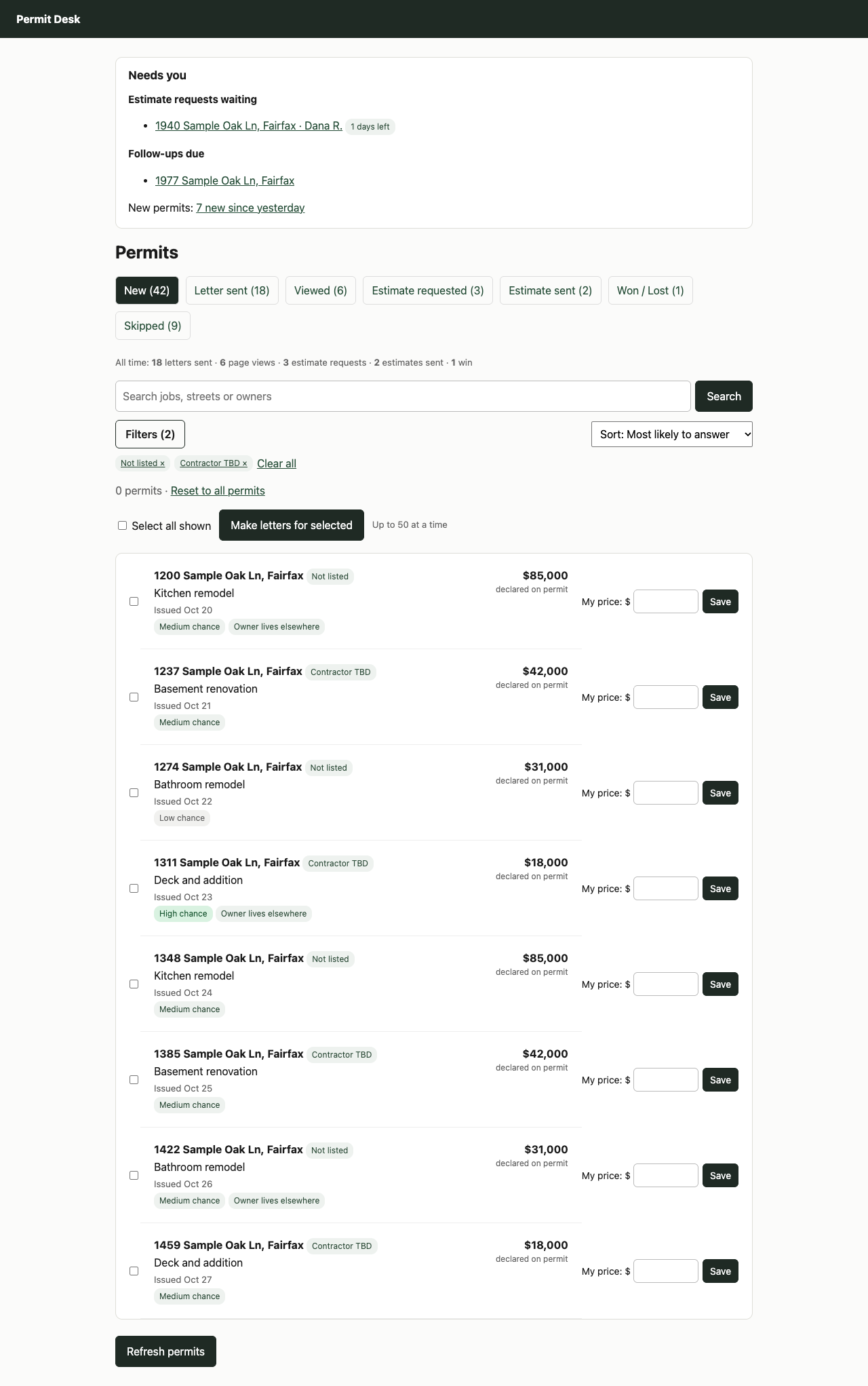
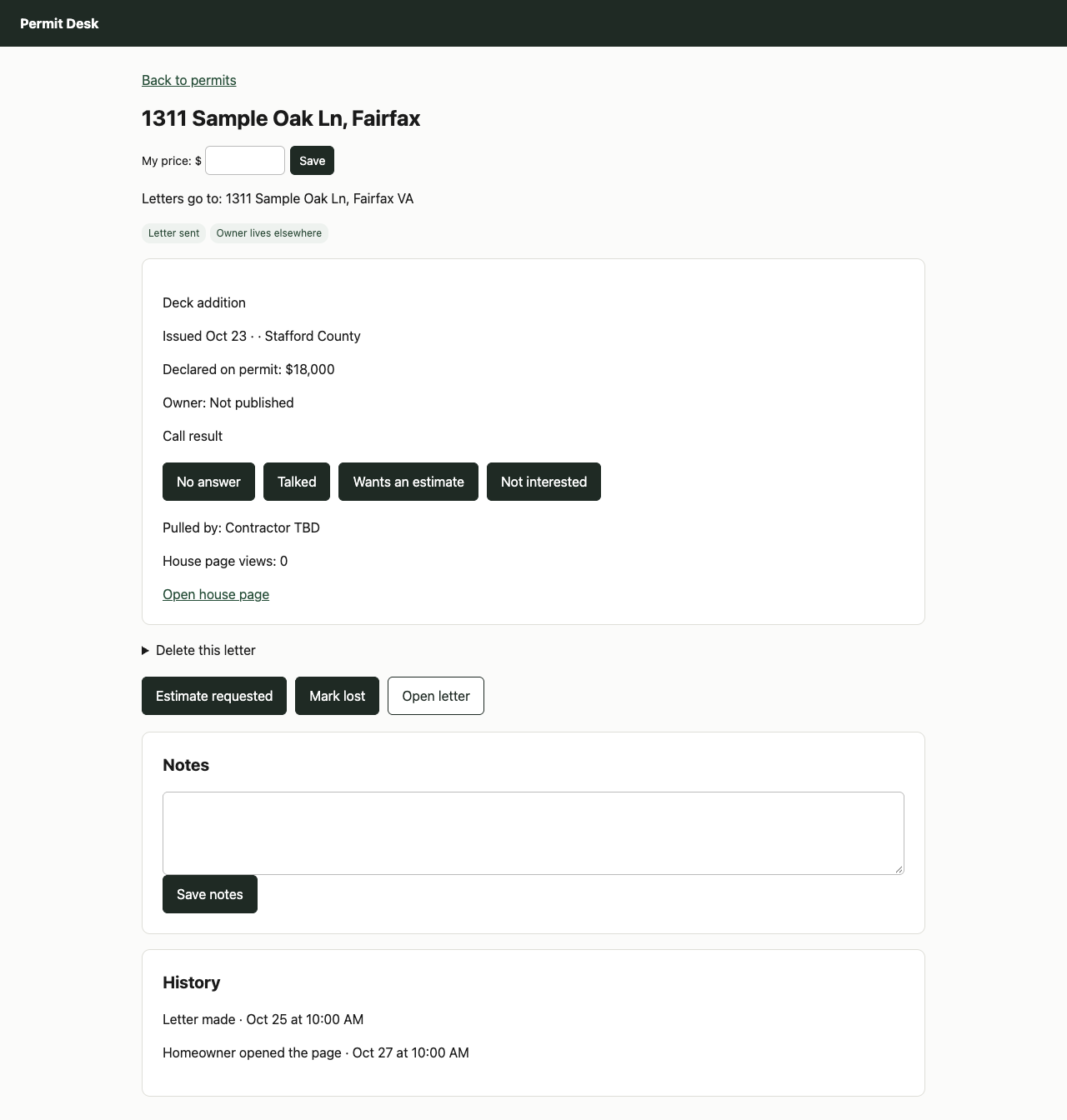
Permit Desk: four directions, round 2
The four you and Ibrahim kept, reworked to look like paid, professional software. Every permit now has Letter, Ad and Call, and only the street and the job show: house numbers are blurred. Each one is clickable: open it, click around Today, Permits, a permit, Results and Letters. All of them work on a phone too.
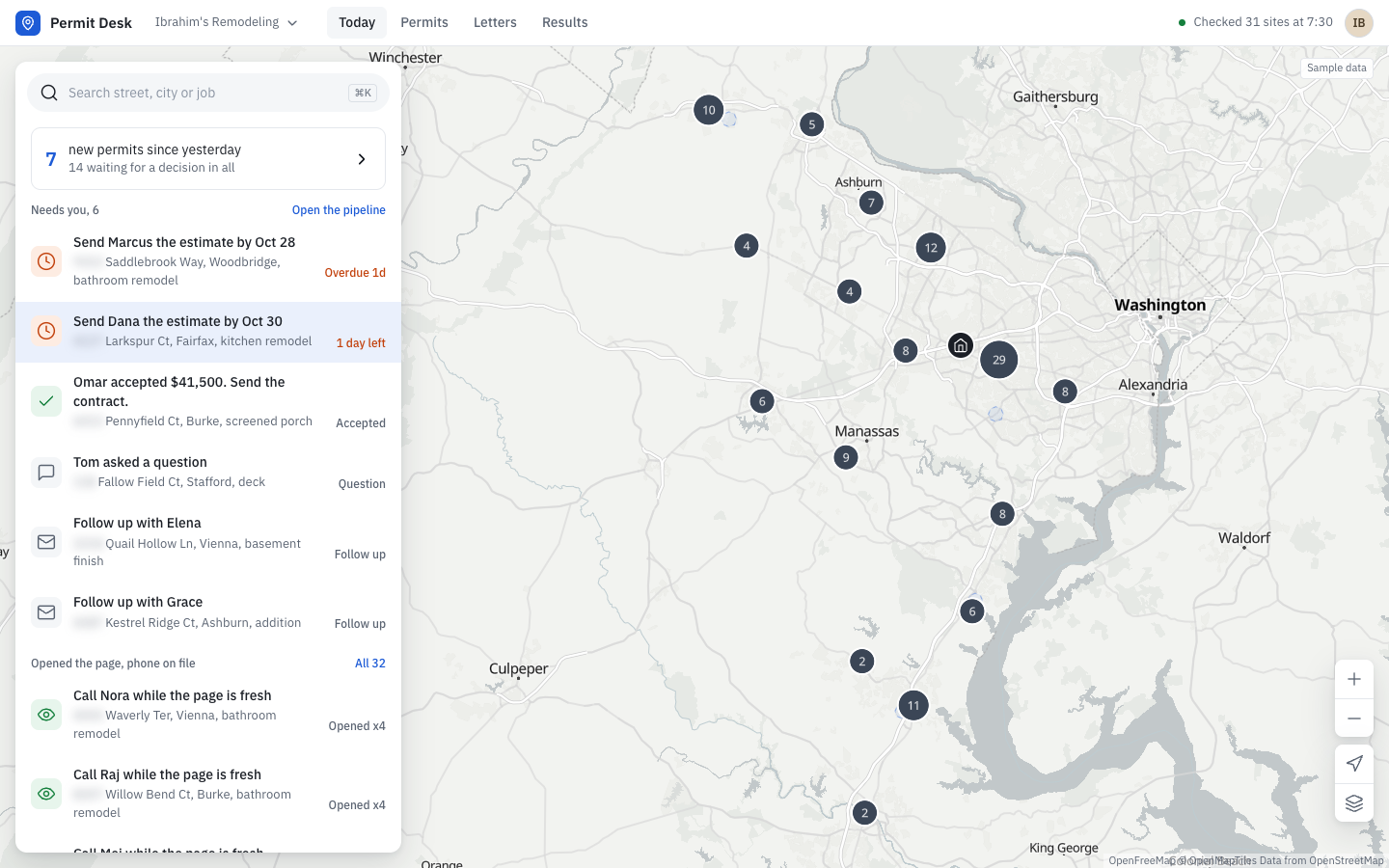
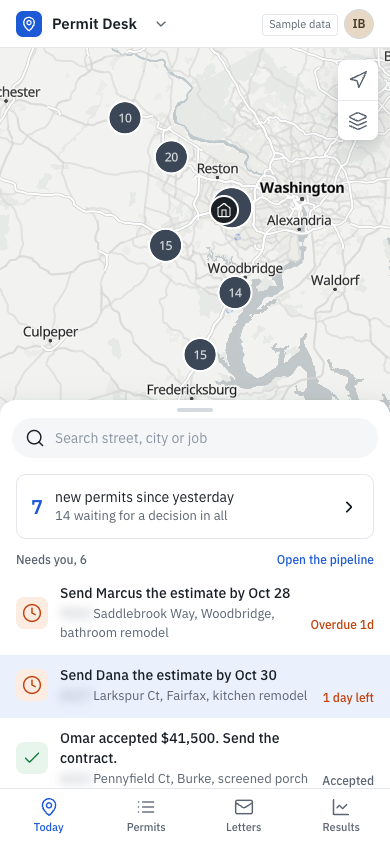
Command Map
Works like Google Maps. Every permit is a pin on a real map; pick one and its card gives you Letter, Ad and Call. On a phone the list is a bottom sheet over the map.
Open it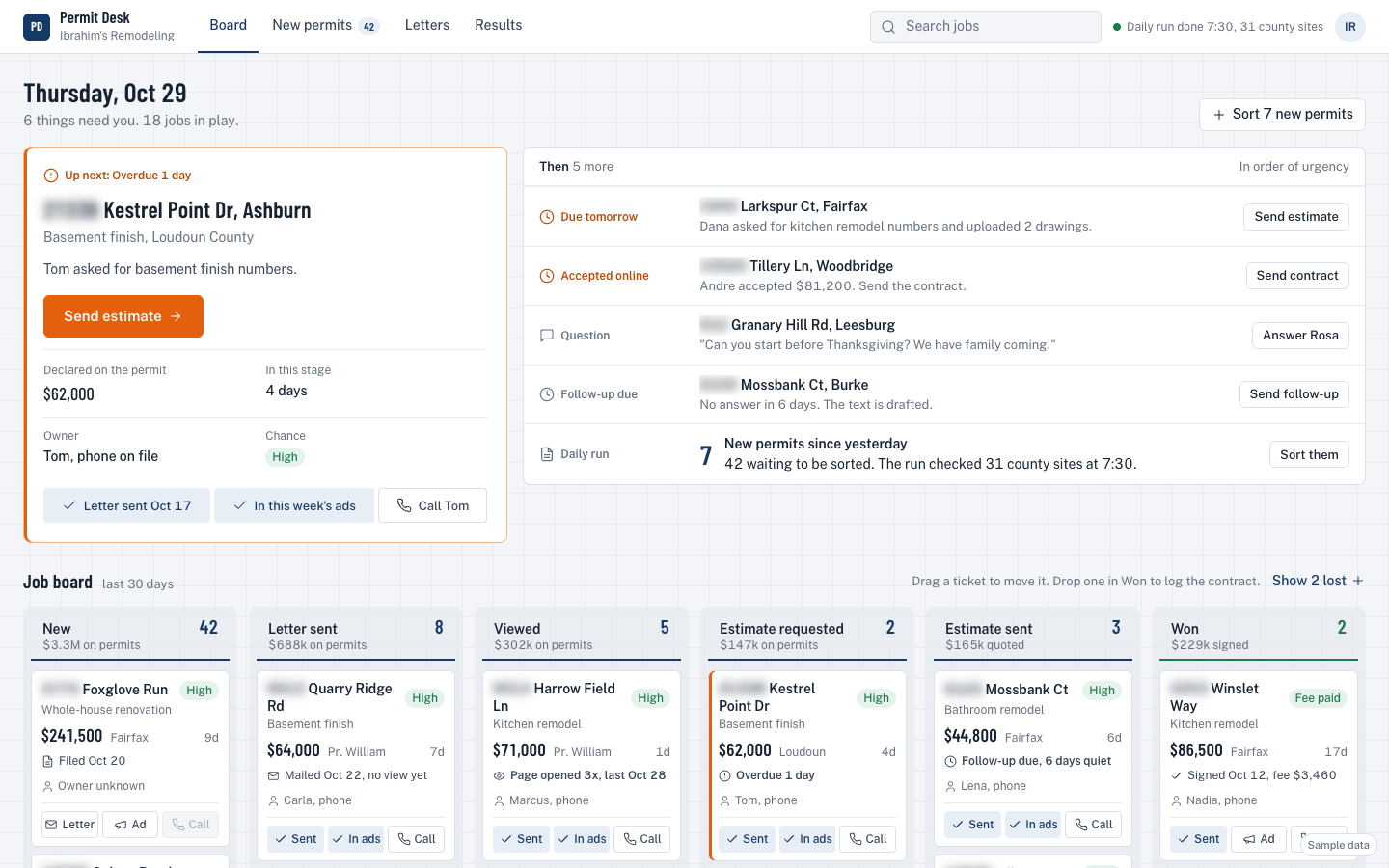
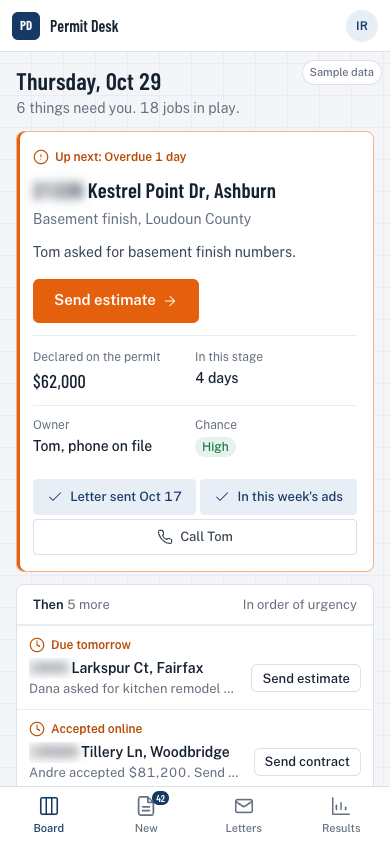
Job Board
Built for a builder. "Up next" on top, then your jobs on a board you drag from New to Won. Drop one in Won and it works out the fee. Costume gone, clean work surface.
Open it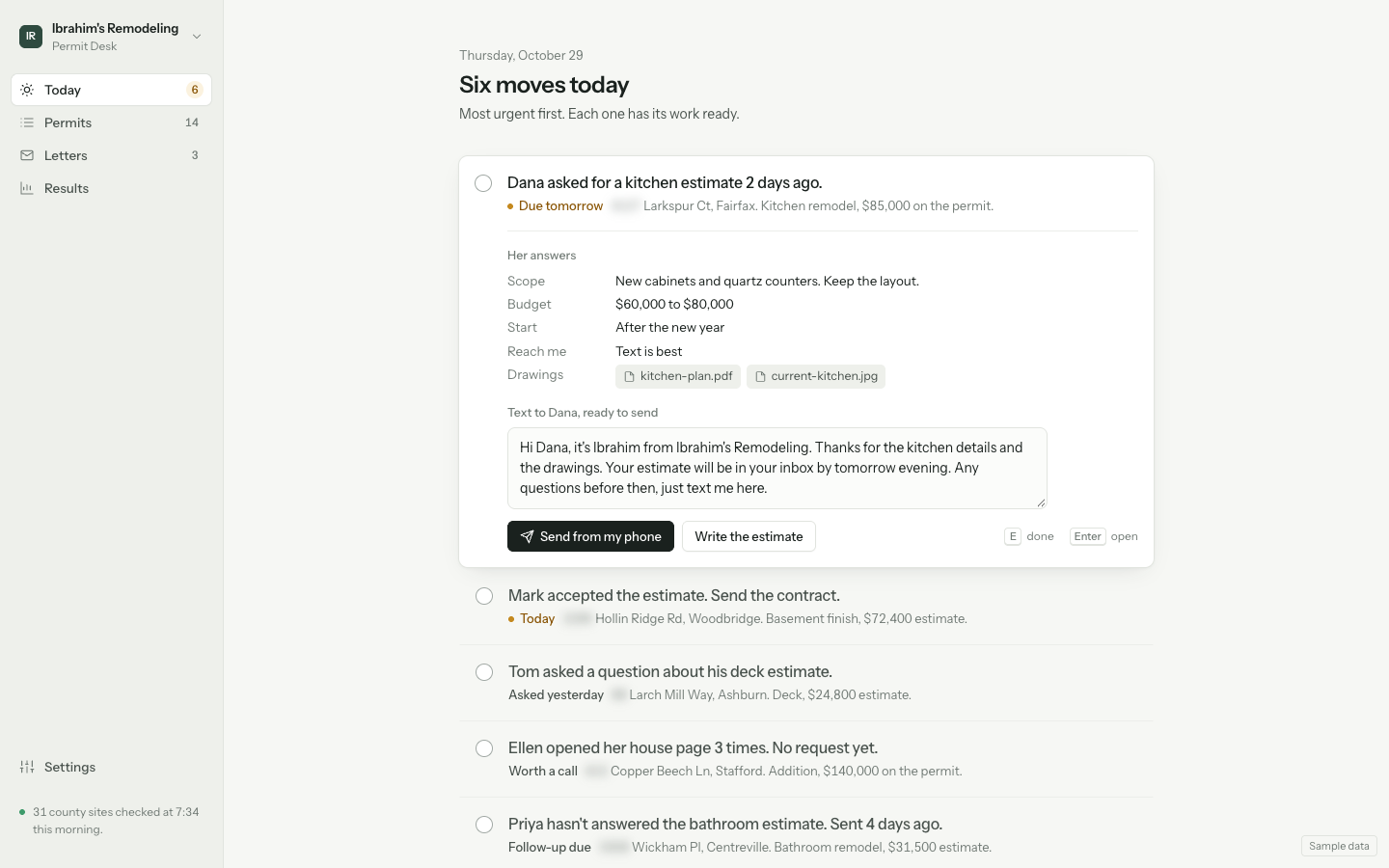
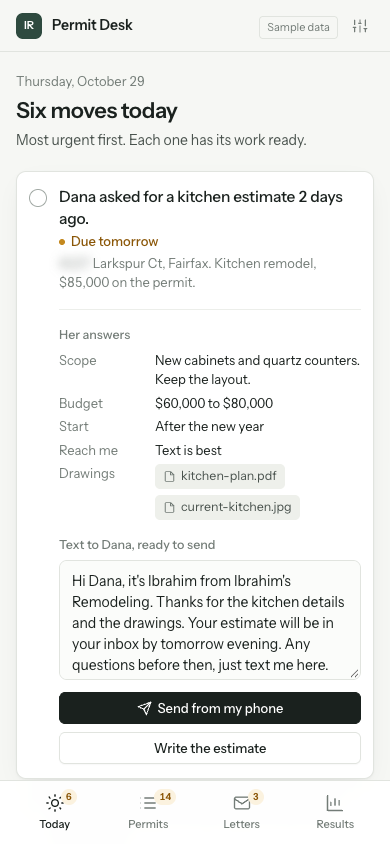
Next Move
A calm assistant, not a database. One list of moves with the work already done (the text is drafted, the checklist is ready). Clear it and you're done.
Open it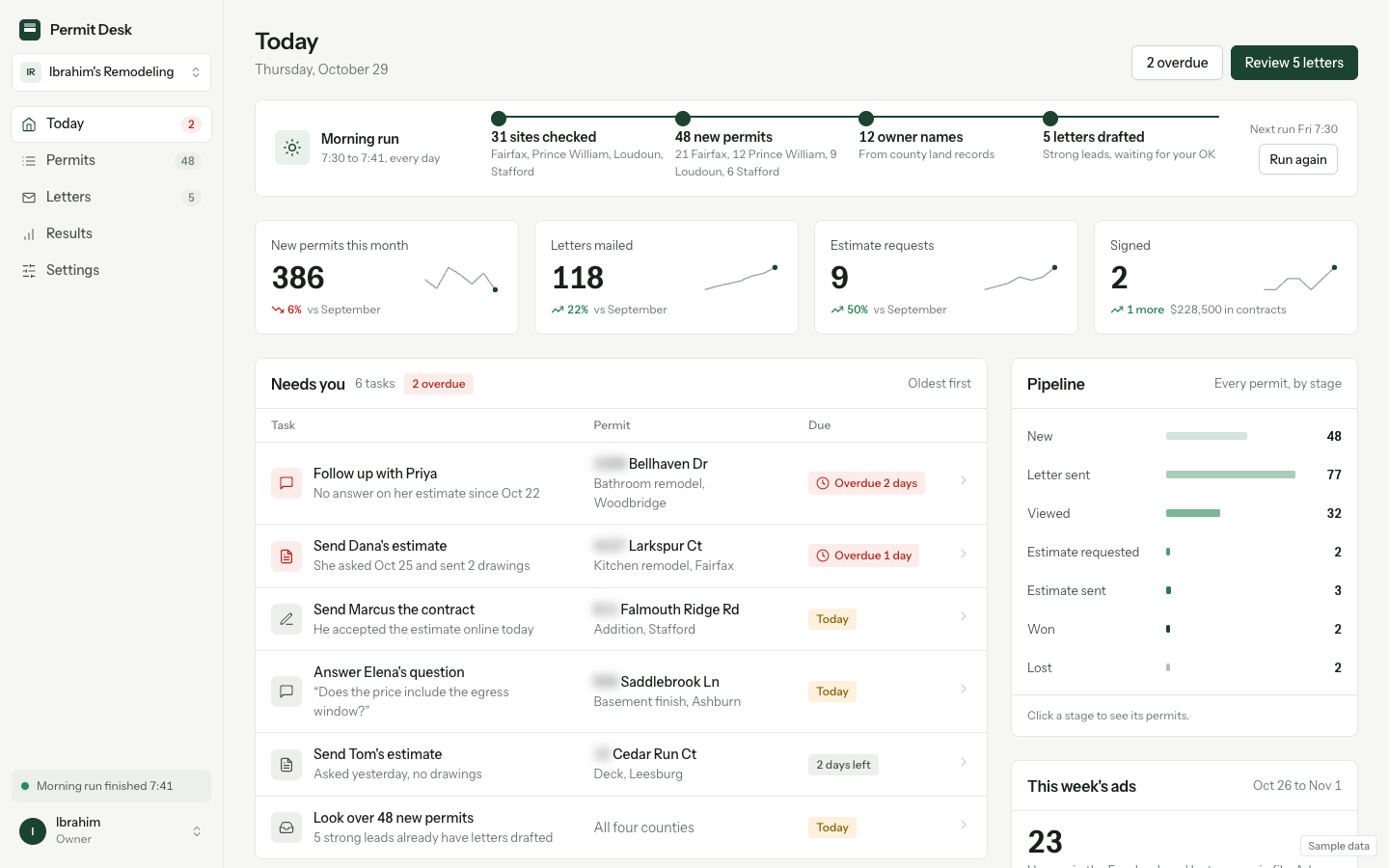
Flow
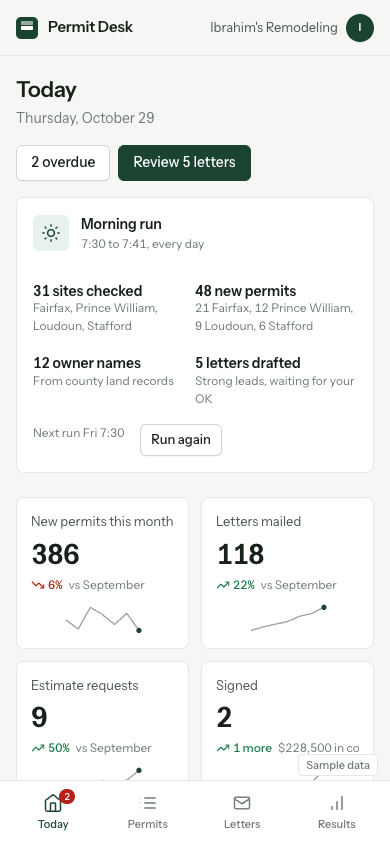
A sharp dashboard with its own look now, deep green instead of PermitFlow blue. Morning run, numbers with trends, a Needs-you table, and a progress bar on every permit showing its stage.
Open itFor comparison: today's Permit Desk